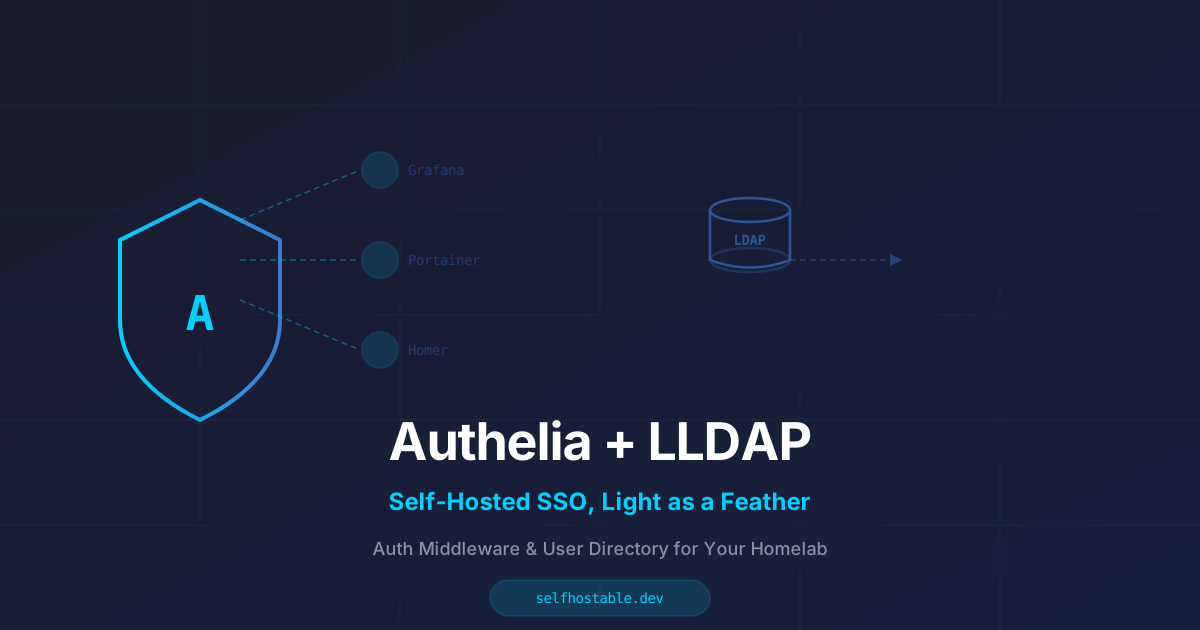
Authelia + LLDAP: Self-Hosted SSO That Doesn't Weigh a Ton
Authentik is great, but sometimes you want something lighter. Here's how to set up Authelia with LLDAP as your auth gateway — no bloated dependencies, no headache.
I ran Authentik for over a year. It’s great. It’s powerful. It also feels like deploying a Kubernetes cluster just to get a login page.
Last month I replaced it with Authelia + LLDAP on a $6 Hetzner VPS, and the memory went from 1.2GB idle to 180MB. The login flow is faster. The config is simpler. And I still get single sign-on across all my self-hosted apps.
Here’s the thing: most of us don’t need SAML, OIDC providers, or a full identity governance platform. We need a login page that says “who are you?” and a directory that remembers the answer. That’s exactly what this stack does.
What we’re building
Two containers, one goal:
- Authelia is the auth middleware. It sits in front of your reverse proxy and intercepts requests to protected subdomains. No credentials, no access. It handles 2FA, session management, and access rules.
- LLDAP is the user directory. Think of it as a lightweight LDAP server that stores usernames, passwords, email, and group membership. It’s designed specifically for homelabs and self-hosters — no Active Directory-level complexity.
Together they replace the need for per-app authentication. You log in once, and every app behind Authelia trusts that session.
Here’s the flow:
Browser → Your App (e.g., grafana.example.com)
           ↕
         Reverse Proxy (Caddy / NPM / Traefik)
           ↕
         Authelia Auth Request → LLDAP (user check)
           ↕
         If valid → session cookie → access granted
Why not Authentik?
I get asked this a lot. Let me be clear: Authentik is brilliant. If you need OAuth2 providers, SAML integration, or a fancy admin dashboard, it’s the right tool.
But most self-hosters run maybe 5-10 apps. Grafana, Portainer, Homer, a dashboard, a file sync. All of them support either forward auth or basic auth. None of them need SAML.
Authelia is simpler to configure, lighter on resources, and its config file is a single YAML that you can read in one sitting. Authentik’s config is spread across a database, a web UI, and about 20 environment variables. There’s a time and place for that power. Monday morning, setting up a quick auth gateway, is not that time.
Let me show you what I mean.
The Compose File
Here’s the docker-compose.yml I run. It’s three services: Authelia, LLDAP, and a Redis (Authelia needs it for session storage):
# docker-compose.yml
version: '3.8'

services:
  authelia:
    image: authelia/authelia:latest
    container_name: authelia
    volumes:
      - ./authelia/config:/config
    ports:
      - "127.0.0.1:9091:9091"
    environment:
      - TZ=UTC
    depends_on:
      - lldap
      - redis
    restart: unless-stopped
    networks:
      - auth-network

  lldap:
    image: lldap/lldap:latest
    container_name: lldap
    volumes:
      - ./lldap/data:/data
    ports:
      - "127.0.0.1:3890:3890"
      - "127.0.0.1:17170:17170"
    environment:
      - LLDAP_JWT_SECRET=change-me-to-a-random-string
      - LLDAP_LDAP_USER_PASS=change-me-to-another-random-string
      - LLDAP_LDAP_BASE_DN=dc=home,dc=local
    restart: unless-stopped
    networks:
      - auth-network

  redis:
    image: redis:7-alpine
    container_name: authelia-redis
    restart: unless-stopped
    networks:
      - auth-network

networks:
  auth-network:
    driver: bridge
One thing I learned the hard way: use random strings for secrets. I once reused a password across three test environments, then forgot which one was still in production. Generate them with openssl rand -base64 32 and write them somewhere safe.
Configuring LLDAP
LLDAP is refreshingly simple. Once it’s running, open http://your-server:17170 in a browser. You’ll see a setup page:
- Create the admin account (this is your directory manager, not your everyday user)
- Add users: I create one per person in my household
- Add groups: I use
adminandusers— that’s it
The UI is basic but functional. You add a user, set a password, and optionally assign them to a group. That’s the entire user management workflow. No schemas, no organizational units, no LDIF files.
LLDAP exposes an LDAP interface on port 3890. Authelia will connect to it.
Configuring Authelia
This is where most people get stuck, so I’ll spell it out. Create authelia/config/configuration.yml:
########################################################
# Authelia configuration
########################################################

host: 0.0.0.0
port: 9091

log:
  level: info

theme: dark

jwt_secret: another-random-string-here

default_redirection_url: https://auth.example.com

totp:
  issuer: authelia.example.com
  period: 30
  skew: 1

authentication_backend:
  ldap:
    address: ldap://lldap:3890
    implementation: lldap
    user: uid=admin,ou=people,dc=home,dc=local
    password: the-ldap-user-pass-you-set
    base_dn: dc=home,dc=local
    users_filter: (&(|({username_attribute}={input})({mail_attribute}={input}))(objectclass=person))
    groups_filter: (&(member={dn})(objectclass=groupOfUniqueNames))
    attributes_map:
      display_name: displayName
      mail: mail

access_control:
  default_policy: deny
  rules:
    - domain: "auth.example.com"
      policy: bypass
    - domain: "grafana.example.com"
      policy: two_factor
    - domain: "portainer.example.com"
      policy: one_factor
    - domain: "*.example.com"
      policy: one_factor
      resources:
        - "^/api(/.*)?$"

session:
  name: authelia_session
  secret: session-secret-string
  expiration: 1h
  inactivity: 30m
  domain: example.com
  redis:
    host: redis
    port: 6379

regulation:
  max_retries: 5
  find_time: 2m
  ban_time: 5m

storage:
  local:
    path: /config/db.sqlite3

notifier:
  filesystem:
    filename: /config/notifications.yml
Let me explain the important parts:
- default_policy: deny — Everything is blocked by default. You explicitly allow what you want.
- two_factor vs one_factor —
two_factorrequires TOTP (Google Authenticator, Authy). I use it for Grafana because losing my dashboards would hurt.one_factoris just password + session. Fine for most apps. - The bypass rule for auth.example.com — Authelia’s own domain needs to be accessible without auth, otherwise you get a login loop. Ask me how I know.
- Storage — I use SQLite because it’s one file. No extra database container. If you’re running 100+ users, switch to Postgres. For a household of 2-5 people, SQLite is fine.
Wiring it to your reverse proxy
This is where the magic happens. I use Caddy, so here’s my Caddyfile:
auth.example.com {
    reverse_proxy authelia:9091
}

grafana.example.com {
    forward_auth authelia:9091 {
        uri /api/verify
        request_method GET
        request_header X-Forwarded-Method {method}
        request_header X-Forwarded-Proto {scheme}
        request_header X-Forwarded-Host {host}
        request_header X-Forwarded-URI {uri}
        copy_headers Remote-User Remote-Groups Remote-Email Remote-Name
    }
    reverse_proxy grafana:3000
}
If you use Nginx Proxy Manager, you add a custom location block with auth_request. If you use Traefik, you use the ForwardAuth middleware. The principle is the same: the proxy asks Authelia “is this request authenticated?” before forwarding it to the app.
What this feels like day-to-day
You open grafana.example.com in a browser. Authelia redirects you to auth.example.com. You type your email and password. If the policy requires 2FA, you enter a TOTP code. A session cookie is set, and you’re dropped into Grafana.
Open portainer.example.com in a new tab. Straight in. No login screen. The session is shared.
This is the “single” in single sign-on. It sounds trivial, but the first time you experience it across five different apps, you realize how much friction you were carrying around.
What I wish I knew
LLDAP’s admin UI is not well secured. It’s on port 17170 with only a basic password prompt. I put it behind a firewall rule and only access it through WireGuard. Don’t expose it to the internet.
Authelia’s notifier is janky. By default it tries to send email for password resets. I use the filesystem notifier (shown above) which writes notifications to a local file. It’s not ideal for password resets, but for a homelab, you can just reset passwords directly in LLDAP’s admin UI.
Session timeouts matter. I set inactivity to 30 minutes and expiration to 1 hour. If you set them too long and someone walks away from their desk, any of your apps is accessible. If you set them too short, you’re logging in five times a day. Find your balance.
You can bypass auth for specific endpoints. The resources rule in the config above lets API calls through without auth. This is useful for Grafana’s alerting webhooks or Portainer’s agent endpoints. Don’t copy-paste my config — check what your apps need.
Is this for you?
This stack is for the middle ground between “no auth at all” and “full enterprise identity platform.”
You should use it if:
- You run 3-15 self-hosted apps behind a reverse proxy
- You want one login for everything, not per-app credentials
- You have a VPS or homelab and want to keep resource usage low
You should use Authentik if:
- You need OAuth2 providers (for things like GitLab, Mastodon, or Nextcloud SSO)
- You want a web UI for managing everything
- You have more than 20 users or complex group policies
For most people reading this? Authelia + LLDAP is the sweet spot. It’s the auth layer I wish I’d started with, instead of the one I upgraded to.
🚀NordVPN
Running a VPS with auth middleware? Secure every connection with a reliable VPN.
Affiliate link — we may earn a commission at no extra cost to you.
Stay in the loop 📬
Get self-hosting tutorials, tool reviews, and infrastructure tips delivered to your inbox. No spam, unsubscribe anytime.
Join 0 self-hosters. Free forever.