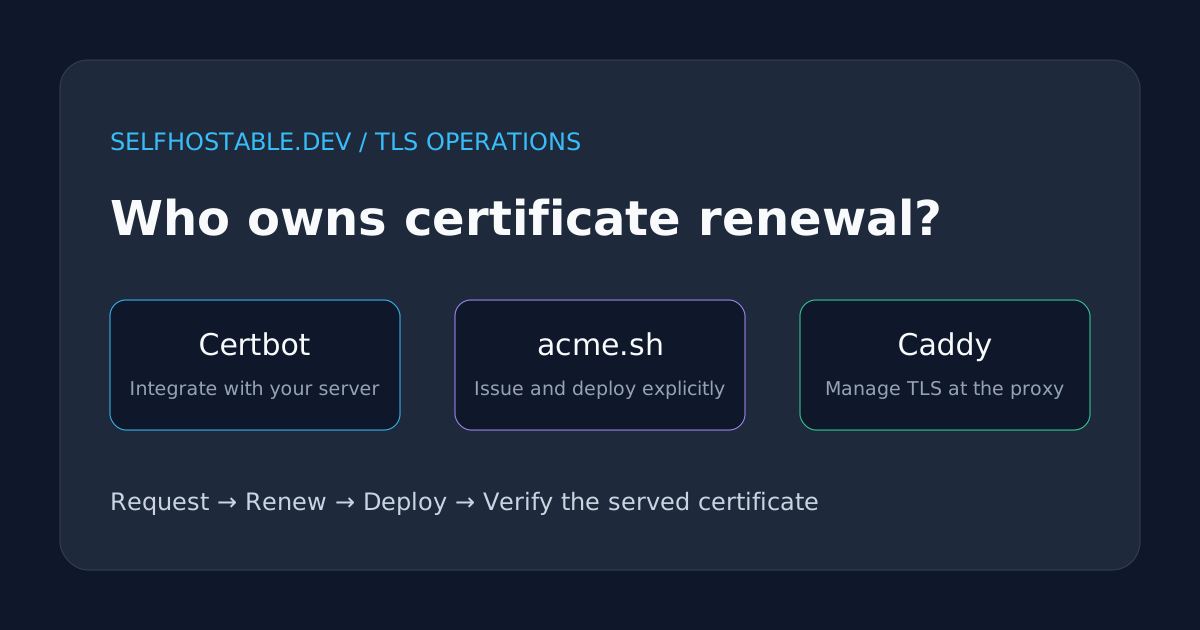
Certbot vs acme.sh vs Caddy: Who Owns TLS Renewal?
Compare Certbot, acme.sh, and Caddy for self-hosted TLS certificates. Pick the right renewal owner, avoid broken reloads, and test what your server serves.
Your certificate renewed successfully. Your website still serves an expired one. That’s the gap a Certbot vs acme.sh vs Caddy comparison should actually address.
Getting the first certificate is the satisfying part. Keeping the right certificate loaded in the right process, after a reboot or a migration, is the job.
My preference is simple: let the component terminating HTTPS own renewal when it can. Keep a separate ACME client when an existing server or appliance needs certificate files. Don’t add a second certificate manager just because a tutorial did.
This is a documentation-based operational comparison, not a performance benchmark or a claim that I’ve run all three in production. The examples assume Linux and a domain you control; replace every example hostname before using them.
The short answer
- Choose Certbot for an existing Nginx or Apache installation, especially when its integration plugin fits your setup.
- Choose acme.sh when DNS automation and copying certificates into other services are the main requirements.
- Choose Caddy when you want the HTTPS endpoint itself to obtain, store, renew, and serve certificates.
All three can automate certificate management. The difference is where responsibility ends.
Certbot and acme.sh are ACME clients: tools that prove domain control and request certificates from a certificate authority. Caddy is a web server and reverse proxy with certificate automation built in. Comparing them as interchangeable command-line tools misses the architectural choice.
If you already use a proxy with working ACME support, first ask what a separate client would fix. Another scheduler is not automatically another layer of reliability.
Start with the challenge, not the client
The certificate authority needs evidence that you control the requested name. Your network and DNS provider determine which validation method is practical.
HTTP-01 serves a challenge at a specific HTTP path. For Let’s Encrypt, validation starts on port 80; moving your application to port 8080 doesn’t change that requirement. Redirects have rules, and a redirect does not magically remove the need for reachable validation infrastructure.
TLS-ALPN-01 validates through a special TLS exchange on port 443. The software handling that port must support the challenge. An unrelated proxy sitting in front can prevent it from reaching the intended responder.
DNS-01 publishes a TXT record under _acme-challenge. It can validate a domain without exposing the application to the internet, and Let’s Encrypt requires this method for wildcard certificates. Automated renewals need an automated way to update those records, normally a DNS provider API or delegated challenge zone.
That makes DNS-01 attractive behind carrier-grade NAT or for private services. But it moves a valuable credential into your automation: a DNS API token can become a certificate-issuance capability.
Use the narrowest permissions your provider supports. A token scoped to the relevant zone is better than an account-wide key, and a delegated validation zone can reduce exposure further. Check your client’s instructions for the exact provider permissions rather than guessing from a copied environment variable.
For a broader look at the proxy layer, see our reverse proxy comparison. This article focuses on certificate lifecycle ownership, not routing features.
Certbot: keep the server you already understand
Certbot makes sense when Nginx or Apache is already doing its job and replacing it would be unnecessary surgery. Depending on the installed plugin, it can obtain a certificate and configure the web server, or just obtain files for you to install separately.
Those are different workflows. A command using an installer plugin doesn’t have the same responsibilities as certonly with a webroot authenticator.
I would keep Certbot on an established Nginx VPS if the package, renewal schedule, and server integration are clear. Moving the entire front door to another proxy solely to eliminate one working renewal job isn’t a convincing trade.
The operational check
On an existing Certbot installation using the default Let’s Encrypt server, start with:
sudo certbot certificates
sudo certbot renew --dry-run
The first command inventories Certbot’s known certificates. The second exercises renewal against staging by default, avoiding routine production issuance while testing validation. If you’ve configured a custom ACME server, check its behavior before assuming this is a harmless staging run.
A successful dry run is useful evidence, not a complete deployment test. It doesn’t prove every downstream service loaded a new production certificate, and deploy hooks don’t run during an ordinary dry run by default.
Check the installed scheduler too. On a systemd-based host:
systemctl list-timers --allLook for the timer created by your actual installation method. Distribution packages, snaps, and container setups can schedule renewal differently; don’t invent a second cron job before checking the first one.
Where Certbot gets awkward
If you’re using certificate-only issuance, explicitly handle deployment. Certbot’s deploy hooks run after a successful renewal; a generic post hook has different timing and semantics.
For a conventional host-installed Nginx service, a deploy-hook script might validate configuration and then reload Nginx. The equivalent operation for a container must target that container and its configuration, not an unrelated host service.
Also, certbot renew can exit successfully when nothing needed renewal. A zero exit status is not proof that a new certificate was issued. If you need to act specifically on successful renewal, use the deploy-hook mechanism.
Verdict: the practical default for an existing supported web-server installation. Be precise about whether Certbot also installs the result or merely writes files.
acme.sh: make certificate delivery explicit
acme.sh is a shell-based ACME client with DNS provider integrations and deployment options. It is a good fit when the certificate consumer isn’t necessarily the machine requesting the certificate.
Think of an appliance, a separate reverse proxy, or a service that expects a key and full chain at fixed paths. In that world, explicit delivery is a feature rather than busywork.
One detail worth checking: the project’s current documentation lists ZeroSSL as its default certificate authority. If you want Let’s Encrypt, select it explicitly rather than assuming the tool’s name implies a particular issuer.
Issue, then install
The project distinguishes its internal certificate storage from the files your service should consume. Its documentation explicitly recommends --install-cert rather than pointing production services into the internal ~/.acme.sh/ directory.
For an already-issued ECC certificate, an illustrative host-Nginx installation looks like this:
~/.acme.sh/acme.sh --install-cert -d app.example.com --ecc \
  --key-file /etc/nginx/tls/app.example.com/key.pem \
  --fullchain-file /etc/nginx/tls/app.example.com/fullchain.pem \
  --reloadcmd 'nginx -t && systemctl reload nginx'
This is not a complete setup command. The certificate must already exist, the target directory must exist, and the account running renewal needs the appropriate file and reload permissions. Match --ecc to the certificate you actually issued.
The reload command is saved for subsequent renewals. If the client runs without root privileges, solve deployment permissions deliberately; don’t assume it can write into /etc/nginx or reload a system service.
I like that this workflow forces the delivery question into the open. The dangerous version is a half-finished setup that obtains a certificate correctly and never installs it anywhere useful.
The cost of flexibility
Provider credentials, installation paths, scheduled execution, and deployment hooks become your configuration surface. Back them up securely and document which account owns them.
The installer normally creates a scheduled renewal check. Verify that it exists and actually runs in the expected account, especially after migrating home directories or moving into a container.
Treat certificate delivery scripts like deployment code. Review their permissions, preserve error reporting, and test their failure path. A script that suppresses a failed reload can turn a healthy certificate directory into a misleading success signal.
Verdict: a strong choice for DNS-driven automation and services with explicit certificate-file requirements. Less compelling if your existing proxy already handles the entire lifecycle.
Caddy: remove the handoff
Caddy’s advantage is not that it has a nicer renewal command. It’s that the process managing certificates is also the process serving HTTPS.
For a straightforward public hostname, a Caddyfile can be this small:
app.example.com {
    reverse_proxy 127.0.0.1:3000
}
This assumes a backend on the same host, DNS pointing at the correct server, and a working supported validation path. In a container, 127.0.0.1 means that container, not a neighboring application; use the appropriate Docker network name instead.
Caddy can obtain and renew public certificates automatically when its conditions are met. That eliminates the separate copy-and-reload boundary for certificates it manages itself.
But automatic doesn’t mean stateless. Persist Caddy’s data directory across container replacement and protect it as sensitive material. Recreating the container should not mean discarding the certificate account and private keys.
The DNS module catch
Don’t assume a stock Caddy binary includes your DNS provider. DNS-01 automation generally needs a build containing the relevant provider module, plus its configuration and credentials.
That is still manageable, but it is a build dependency you own. Check the module before redesigning your private-service access around a wildcard certificate.
Caddy can also issue certificates from its internal CA for local names. Those are not the same as publicly trusted certificates: clients need to trust that CA. A browser warning on another device isn’t necessarily an issuance failure; it may be a missing trust relationship.
For access control beyond encryption, see Caddy client certificates. TLS protecting traffic and authentication controlling access are separate concerns.
Verdict: my first choice for a new, uncomplicated reverse-proxy deployment when its routing model and modules fit. Not a reason to replace a working fleet without a migration plan.
The failure all three choices still need you to test
Consider a concrete failure scenario, not a claimed production incident: an ACME client renews a file in one directory, while Nginx reads an old copy elsewhere. Every renewal log looks reassuring. Visitors still get an expired certificate.
A similar mismatch happens when you check your origin but users connect through a CDN, load balancer, or another proxy. You inspected the wrong TLS endpoint.
Check the certificate served on the actual connection path:
openssl s_client \
  -connect app.example.com:443 \
  -servername app.example.com \
  </dev/null 2>/dev/null |
  openssl x509 -noout -issuer -subject -dates
This displays the peer certificate’s issuer, subject, and validity dates; it is not a full hostname-and-chain verification test. Follow it with a normal verified request:
curl --fail --show-error --silent \
  --output /dev/null https://app.example.com/
Don’t add -k to make a TLS error disappear. If the endpoint requires authentication or returns an intentional non-success HTTP status, account for that separately from certificate validation.
For multiple frontends, inspect each intended endpoint. One healthy node doesn’t prove all nodes received the update, and split DNS can send your laptop somewhere different from an external monitor.
An Uptime Kuma monitor can provide independent HTTPS checks. Put the monitoring outside the failure boundary you care about, and test that alerts arrive rather than trusting a green configuration screen.
Remote administration is a separate problem
Certificate automation won’t protect a stolen admin session or make a public dashboard private. Keep management access restricted, and use an appropriate private-access design for your own services.
A commercial VPN can be useful for client-side browsing on untrusted networks, but it is not a substitute for a private homelab access tunnel, firewall rules, or HTTPS certificate management. The following is an optional affiliate offer, not a dependency of any setup above.
🚀NordVPN
An optional VPN for browsing on untrusted networks, separate from your server's TLS certificate automation.
Affiliate link — we may earn a commission at no extra cost to you.
Pick one owner, then prove the lifecycle
For a new small VPS, I’d start with Caddy if it meets the routing requirements. For an existing Nginx host, I’d keep Certbot unless there’s an actual operational problem. For DNS-heavy issuance and delivery to other systems, I’d evaluate acme.sh first.
The rule isn’t that one tool wins. It’s that every certificate needs an identifiable owner, a reproducible validation path, protected persistent state, and a tested way to reach the consuming service.
Your next step: choose one hostname and write down who requests its certificate, where the key lives, what triggers renewal, and how the served certificate changes afterward. Then check it from a second machine. If you can’t answer one of those questions, fix that gap before adding another HTTPS service.
Official references
Stay in the loop 📬
Get self-hosting tutorials, tool reviews, and infrastructure tips delivered to your inbox. No spam, unsubscribe anytime.
Join 0 self-hosters. Free forever.