Self-Host Changedetection.io: Monitor Website Changes for Free
Stop manually refreshing pages to check for updates. Self-host Changedetection.io and get alerts when websites change — pricing, docs, job listings, anything.
I used to manually check pages.
Product pricing pages before renewals. Documentation pages for API deprecation notices. Job boards for new postings. GitHub release pages for that one tool I’m waiting to update. The list kept growing, and I kept hitting F5 every morning like some kind of browser-tab farmer.
Then I found Changedetection.io. It’s a self-hosted tool that watches web pages and sends you a notification when something changes. Think of it as “I got your back” for the 20 tabs you leave open just to monitor something.
I’ve been running it for about six months, and honestly? It’s one of those tools I didn’t know I needed until I had it.
What Changedetection.io Does
It’s simple on the surface: give it a URL, it checks the page periodically, and if the content changes, it alerts you. You can monitor the whole page or just a specific CSS/XPath selector.
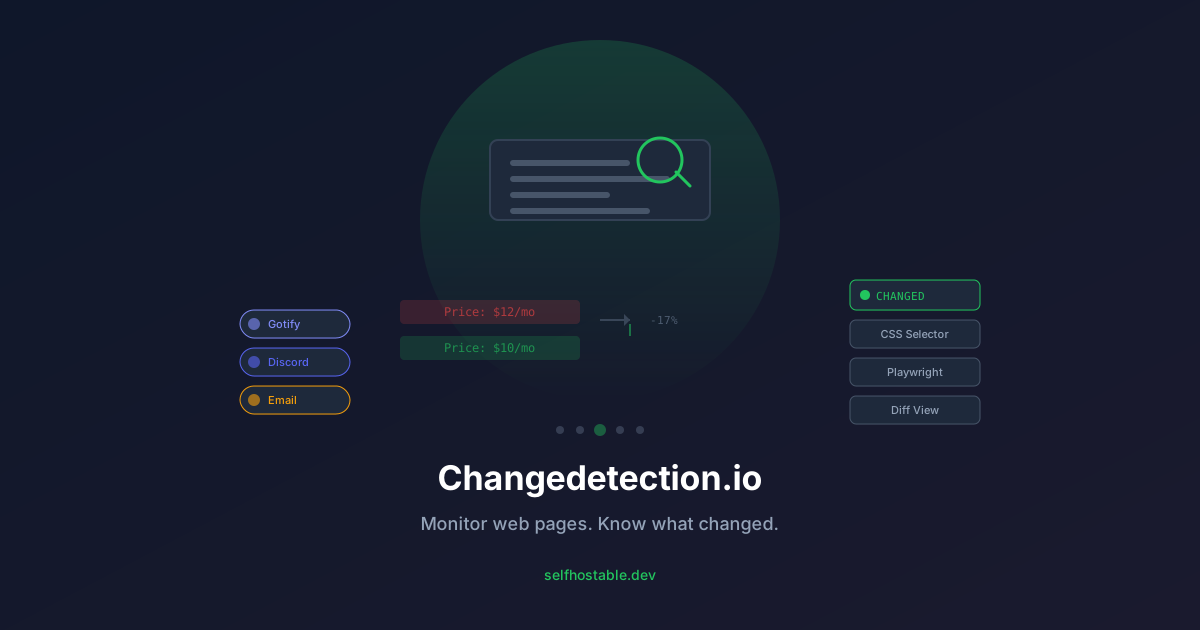
Under the hood, it’s smarter than that. It can diff changes visually (showing what specifically changed), ignore certain elements (ads, dynamic counters), and use Playwright for JavaScript-heavy pages that don’t render without a browser.
I use it for:
- Pricing pages — I monitor my Hetzner and DigitalOcean pricing pages. When they drop prices (or raise them), I know immediately.
- Product changelogs — Watching GitHub releases for tools I self-host. No more refreshing repo pages.
- API docs — When an API I depend on updates its docs, I get notified before the breaking change hits.
- Job boards — Well, I’ll admit this one. I monitor a couple of local job boards for DevOps roles.
- Terms of service — Cloud providers change terms way too often. I catch them every time.
The alerting is flexible too. Gotify, Discord, email, Slack, Telegram — it integrates with all of them.
Installation: Docker Compose in Under 5 Minutes
This is going to be short. Changedetection.io is stupidly easy to set up.
mkdir -p ~/changedetection && cd ~/changedetectionCreate a docker-compose.yml:
version: '3.8'

services:
  changedetection:
    image: ghcr.io/dgtlmoon/changedetection.io:latest
    container_name: changedetection
    restart: unless-stopped
    ports:
      - "5000:5000"
    volumes:
      - ./data:/datastore
    environment:
      - PUID=1000
      - PGID=1000
    # Optional: Playwright for JS-rendered pages
    # If you need to monitor SPAs or pages that require JavaScript,
    # use the playwright variant:
    # image: ghcr.io/dgtlmoon/changedetection.io:latest-playwright
That’s the entire config. One container, one volume, one port.
Pull and start:
docker compose up -dCheck that it’s running:
docker ps | grep changedetectionNow open http://your-server-ip:5000 in your browser.
First setup: It’ll ask for a username and password. That’s it. You’re in.
I run this on a $6/month Hetzner VPS alongside 5 other services. Changedetection uses about 80MB RAM at idle and barely touches the CPU. You won’t even notice it’s there.
Adding Your First Watch
Click Add Watch and enter a URL. Let’s say you want to watch the Nginx Proxy Manager GitHub releases.
Settings I use:
- URL: The page you’re watching
- Check every: I use every 6 hours for most pages. Pricing pages get 24h. Job boards get 1h.
- CSS Selector (optional): If you only care about a specific section, add a CSS selector. For release notes, I use
.release-titleor similar. - Trigger mode: “Mixed” works well — it checks text diff and screenshot diff.
- Notification URL: Paste your Gotify/Discord/whatever webhook.
Save it. That’s it. The first check happens within seconds. If you want it to send a notification on the first check (which is useful for verifying your setup), enable “Send a notification when watching this page” in the advanced settings.
The first check will always show as “changed” because there’s nothing to compare against. From the second check onwards, it’ll only alert you on actual changes.
Quick Setup for a Pricing Page
Let me walk through a real example I use. Say you want to watch Hetzner’s cloud pricing page.
- Click Add Watch
- Paste
https://www.hetzner.com/cloud - Name it “Hetzner Cloud Pricing”
- Set interval: every 12 hours
- Notification: your Discord/Gotify webhook
- Save
Now when Hetzner adjusts their prices, you’ll know before the next billing cycle. I caught a price drop on the CPX31 (went from €14.45 to €12.99/month) within hours of it happening.
Truth be told, AWS and GCP change pricing way more often than you’d think. If you’re running infrastructure on any cloud provider, monitoring their pricing page is free money detection.
Notifications Setup
Changedetection.io supports a ton of notification methods. Here’s how I hook it up to my existing stack:
Gotify (my daily driver)
- In Changedetection, go to Settings → Notification
- Format:
json://gotify.your-domain.com/message?token=YOUR_TOKEN - Click Send Test to verify
Discord
discord://WEBHOOK_ID/WEBHOOK_TOKENEmail (SMTP)
mailto://smtp.example.com:587/[email protected]&pass=password&[email protected]I use Gotify as primary and email as a fallback. When a pricing page changes, my phone buzzes within seconds. When my email catches something Gotify might have missed, I know nothing slips through.
🚀NordVPN
When you're monitoring sensitive pages (competitor pricing, internal dashboards), secure your connection with NordVPN.
Affiliate link — we may earn a commission at no extra cost to you.
Advanced: Monitoring JavaScript-Rendered Pages
Some pages don’t render without JavaScript. Think SPAs like React apps, or pages that load content dynamically via API calls.
For those, you need the Playwright version of Changedetection.io. Update your docker-compose.yml:
services:
  changedetection:
    image: ghcr.io/dgtlmoon/changedetection.io:latest-playwright
    # Everything else stays the same
This image includes a full Chromium browser engine. It’s heavier (about 400MB extra) but can render any page exactly like a real browser would.
Caveat: Playwright monitoring is slower and uses more RAM (roughly 200-300MB per concurrent check). Only use it for pages that genuinely need it. For regular HTML pages, stick with the base image.
I have maybe 3 out of 30 monitors using Playwright. The rest work fine with plain HTTP.
What I Learned the Hard Way
1. Dynamic content will drive you crazy
Some pages have dynamic bits that change every request — timestamps, random ad IDs, session counters. Use CSS selectors or XPath to target only the part you care about. I learned this after Changedetection flagged a page that just had a changing “visited X times” counter. Oops.
2. Rate limiting is real
If you monitor a site every 60 seconds, they’ll block you eventually. I keep most checks at 6-24 hour intervals. The tool is about detecting meaningful change, not real-time monitoring — that’s what Uptime Kuma is for.
3. Diff view is your best friend
When Changedetection triggers, it shows you exactly what changed — old vs new, highlighted differences. Without this feature, you’d be staring at two browser tabs trying to spot the difference. With it, you see “the price went from $12 to $10” instantly.
4. Monitor pages you control too
I monitor my selfhostable.dev homepage and blog. If my site goes down or someone defaces it, I know before users do. It’s a cheap security net.
Use Cases You Haven’t Thought Of
Here’s what other people in the self-hosted community use Changedetection for:
- GitLab/GitHub releases — Get notified when a new version of your favorite tool drops. No more checking manually.
- Flight prices — Watch Google Flights or Skyscanner for price drops.
- Government websites — Changes to regulations, tax codes, or compliance requirements.
- Product availability — “Back in stock” notifications for hard-to-find hardware (Raspberry Pis, anyone?).
- RSS feed fallback — Some sites don’t have RSS. Changedetection is your ad-hoc RSS reader for those.
- DNS propagation — After updating DNS records, monitor the page to see when it picks up the changes.
Resource Usage and Performance
After 6 months of running it:
- RAM: ~80MB base, ~150MB with a few Playwright monitors
- CPU: Near zero at idle. Spikes to 5-10% during a check (once every few hours)
- Disk: The SQLite database was 15MB after 6 months with 30 monitors
It’s lighter than most WordPress plugins I’ve used. You can comfortably run it on a Raspberry Pi 3 or the cheapest VPS you can find.
Should You Use This?
If you’ve ever found yourself refreshing a page waiting for something to change, yes. The answer is yes.
It takes 5 minutes to install, zero ongoing cost, and it turns a habit of compulsive refreshing into a calm inbox notification. I’ve caught things I would have missed — a price drop that saved me $200/year, an API deprecation notice before it broke my automation, a job posting hours after it went live.
The self-hosted community is great at building tools that solve one specific problem really well. Changedetection.io is exactly that: a single-purpose tool that does its job perfectly.
Set it up, add a few watches, and reclaim those 20 browser tabs.
Quick Recap
- Install with one Docker Compose file
- Point it at URLs you care about
- Get notified when they change
- Never manually refresh a page again
Next up: Hook it into Gotify for push notifications, or connect it to your Discord server for team visibility. From there, you’ll wonder how you ever lived without it.
Questions? Running your own Changedetection setup and have tips to share? Hit me up.
Running on a Hetzner VPS, monitoring 30 pages with 6-hour intervals. Last catch: a 23% price drop on cloud storage that saved me $200/year.
Stay in the loop 📬
Get self-hosting tutorials, tool reviews, and infrastructure tips delivered to your inbox. No spam, unsubscribe anytime.
Join 0 self-hosters. Free forever.