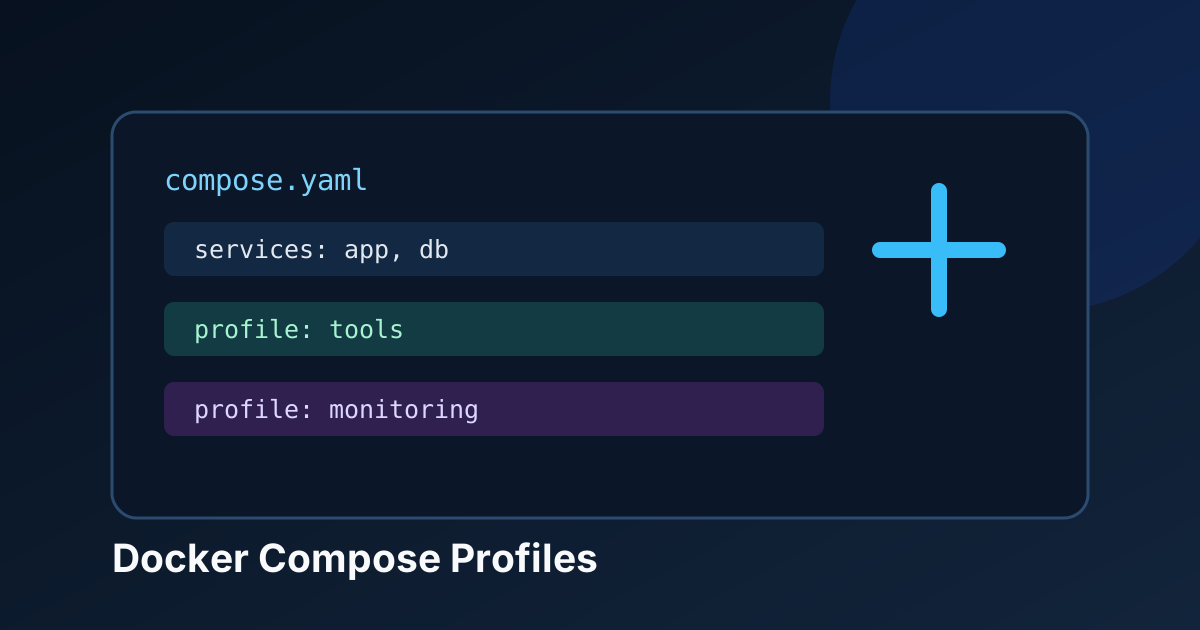
Docker Compose Profiles: Stop Starting Every Homelab Service
Use Docker Compose profiles to keep optional homelab tools out of your default stack, then start exactly what you need with one command.
A Compose file starts simple. Then it becomes a drawer full of cables: the app, database, an admin UI, a one-off migration job, a debugging shell, and some monitoring that only matters when something catches fire.
Running docker compose up -d should not have to wake every single one of them. Docker Compose profiles are the tidy answer. They let one Compose file describe the whole stack while making selected services opt-in.
The useful mental model
Services without a profile are always part of the default application. Services with a profile only start when you explicitly enable that profile, or when you target that service by name.
That makes profiles great for things you want close at hand but not running permanently: database admin panels, observability, import jobs, test mail catchers, or a troubleshooting toolbox. They are not a replacement for splitting genuinely separate applications into their own stacks. One file with 40 unrelated services is still one file with 40 unrelated services.
A small stack with optional tools
Here is a realistic example. The application and PostgreSQL start every day; Adminer and Dozzle only start when you ask for them.
services:
  app:
    image: ghcr.io/example/notes:1.4.0
    depends_on:
      db:
        condition: service_healthy
    ports:
      - "3000:3000"
    restart: unless-stopped

  db:
    image: postgres:16-alpine
    environment:
      POSTGRES_DB: notes
      POSTGRES_USER: notes
      POSTGRES_PASSWORD: change-this-with-a-secret
    volumes:
      - postgres-data:/var/lib/postgresql/data
    healthcheck:
      test: ["CMD-SHELL", "pg_isready -U notes -d notes"]
      interval: 10s
      timeout: 5s
      retries: 5
    restart: unless-stopped

  adminer:
    image: adminer:4
    profiles: ["admin"]
    ports:
      - "127.0.0.1:8080:8080"
    depends_on:
      db:
        condition: service_healthy

  dozzle:
    image: amir20/dozzle:v8.13.7
    profiles: ["debug"]
    volumes:
      - /var/run/docker.sock:/var/run/docker.sock:ro
    ports:
      - "127.0.0.1:9999:8080"
    restart: unless-stopped

volumes:
  postgres-data:
The important bit is almost boring: profiles: ["admin"]. Nothing else about Adminer is special. Compose simply excludes it until the admin profile is enabled.
I would keep web-based admin tools bound to 127.0.0.1, as above. They are handy, but exposing a database browser straight to the internet is how a five-minute convenience grows teeth.
Start only what belongs in the default stack
With the file saved as compose.yaml, this starts app and db but not the optional services:
docker compose up -dWhen you need the database UI for ten minutes, enable its profile:
docker compose --profile admin up -dFor logs, start the debug profile instead:
docker compose --profile debug up -dProfiles can be combined. This is useful during maintenance, when the normal app is running and you need both tools:
docker compose --profile admin --profile debug up -dYou can also set COMPOSE_PROFILES for one shell session:
export COMPOSE_PROFILES=admin,debug
docker compose up -d
Do not put that export in a global shell profile unless you enjoy slowly forgetting why every optional container starts again. A short-lived command is clearer.
Targeting a service starts its profile automatically
This is the detail people miss. A targeted command such as the following starts adminer and its declared dependencies even though admin is not enabled globally:
docker compose up -d adminerThat is perfect for a one-off task. It does not mean every other service sharing the admin profile comes along for the ride. Targeted startup is intentionally narrow.
Profiles are not a security boundary
A stopped container is not a security control. A service with a Docker socket mount, database credentials, or a public port still needs sane configuration when you do start it.
I also would not put development overrides and production services behind a profile in the same file and call it environment separation. Use separate Compose files, secrets, and hosts when the risk is different. Profiles are for operational intent, not for making production magically safe.
When you manage a VPS remotely, keep the access path private too. An admin UI bound to loopback is useful only if SSH or your private network is protected.
🚀NordVPN
Secure your server management connection when you are working from an untrusted network.
Affiliate link — we may earn a commission at no extra cost to you.
A clean way to use this tomorrow
Pick one container that is useful but does not need to run 24/7. Database browsers are an easy first candidate. Add a profile, bind its port to localhost, run docker compose up -d, and confirm it stays down. Then call it directly when you actually need it.
That is the win here: fewer idle containers, fewer open interfaces, and a Compose command that once again means “start the application” rather than “start the entire workshop.”
Stay in the loop 📬
Get self-hosting tutorials, tool reviews, and infrastructure tips delivered to your inbox. No spam, unsubscribe anytime.
Join 0 self-hosters. Free forever.