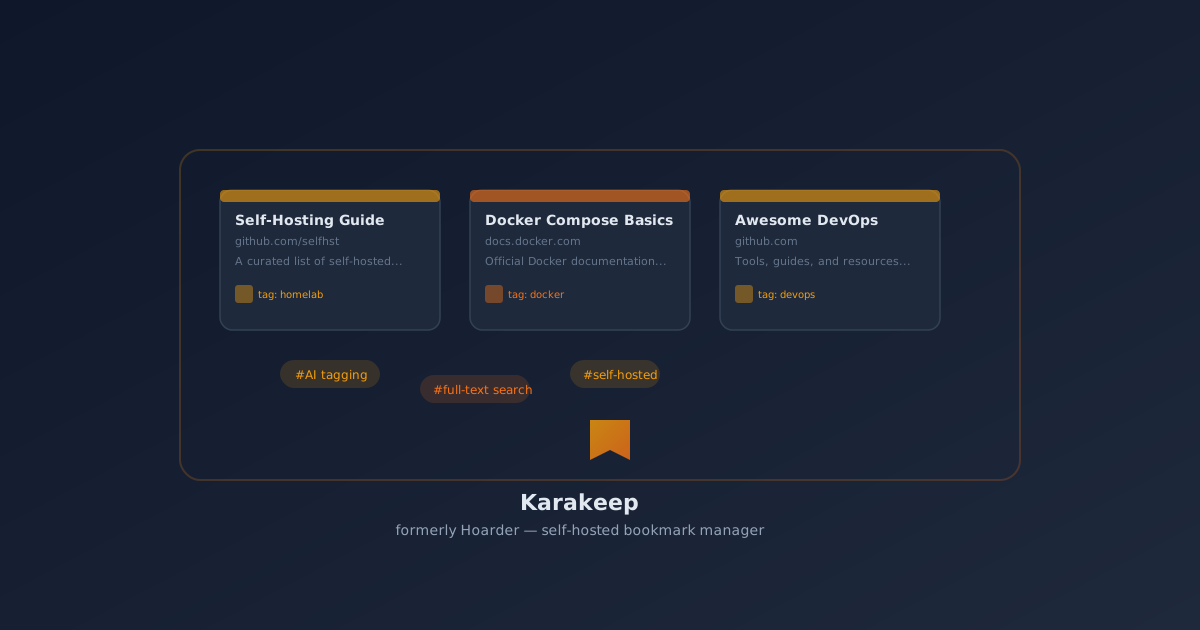
Self-Host Karakeep: The AI Bookmark Manager That Replaced My 500 Open Tabs
Karakeep (formerly Hoarder) is a self-hosted bookmark manager with automatic AI tagging, full-text search, and browser extensions. Deploy it with Docker in 5 minutes.
I had 500+ bookmarks across three browsers, a Pocket account I hadn’t opened in two years, and at least forty “read later” tabs I was definitely going to get to.
I wasn’t hoarding information. I was drowning in it.
The problem isn’t collecting links — it’s finding them again. Chrome’s bookmark manager is usable for 50 links. After 500, it’s a digital landfill. Pocket works until you hit their paywall. Raindrop is great, but your data lives on someone else’s server.
That’s where Karakeep comes in. It’s an open-source, self-hosted bookmark manager that does something most alternatives don’t: it actually helps you find stuff later.
What makes Karakeep different
I’ve tried Linkwarden, Linkace, and Linkding (we’ve compared them before). They’re all solid. But Karakeep approaches the problem differently.
Instead of just saving URLs with tags you assign manually, Karakeep:
- Auto-tags everything using a local LLM (Ollama) or their built-in inference engine
- Full-text search that actually works on the content of saved pages, not just the title
- Stores the page content — if the site goes down, your bookmark is still readable
- AI-powered summarization — get a one-paragraph summary instead of re-reading the whole article
- Works with any browser via bookmarklet or extension
- Import from Chrome, Pocket, Linkwarden, Omnivore — your existing bookmarks aren’t stuck
The auto-tagging is the killer feature. I imported 400 links and Karakeep tagged them with categories like “docker”, “homelab”, “self-hosting”, “privacy”, “devops”, and “tutorials” without me lifting a finger. Did it get everything right? No. But it got 80% correct, and I only had to adjust a few.
The 5-minute Docker setup
Installation is straightforward. Create a folder and a docker-compose.yml:
mkdir ~/karakeep && cd ~/karakeepservices:
karakeep:
image: ghcr.io/karakeep-app/karakeep:latest
restart: unless-stopped
ports:
- "3000:3000"
volumes:
- ./data:/data
environment:
- DATA_DIR=/data
- NEXTAUTH_SECRET=change-me-to-a-random-string
- BROWSER_WEB_URL=http://karakeep-chrome:9222
karakeep-chrome:
image: ghcr.io/karakeep-app/karakeep-chrome:latest
restart: unless-stopped
meilisearch:
image: getmeili/meilisearch:v1.12
restart: unless-stopped
environment:
- MEILI_MASTER_KEY=change-me-too
- MEILI_NO_ANALYTICS=true
volumes:
- ./meili_data:/meili_datadocker compose up -dWait 30 seconds, open http://your-server:3000, create an account, and you’re in business.
The chrome container is optional — it’s used to render JavaScript-heavy pages that don’t extract well with plain HTTP. If most of your bookmarks are static pages, you can skip it and just use the Karakeep API.
What I actually use it for
Saving articles I’ll read later. The browser bookmarklet is one click. Karakeep grabs the content, summarizes it, tags it, and stores everything locally. I’ve saved about 200 articles this month. I’ve actually read about 40 of them. Progress.
Finding things I vaguely remember. Last week I needed a guide about setting up VLANs with Proxmox. I knew I’d seen it somewhere. Searched “vlan proxmox” in Karakeep, got the exact article from three months ago, first result. Full-text search across 400 saved pages worked in under a second.
Using it as a personal knowledge base. I save anything I might need later: GitHub repos, forum threads, configuration snippets, Docker Compose examples. The AI summarization is surprisingly good at extracting the key point from a long Reddit thread.
Content discovery. Karakeep highlights trending links from your collection and suggests tags you might have missed. It’s like having an assistant that actually read everything you saved.
What I learned the hard way
1. AI tagging needs a local model to stay private
Karakeep can use OpenAI or Ollama for the AI features. I run Ollama locally with a small model (llama3.2:3b) for tagging and summarization. It’s slower than the cloud option, but no data leaves my server. That’s the whole point of self-hosting, right?
# Add to the karakeep service environment:
- INFERENCE_TEXT_MODEL=llama3.2
- INFERENCE_IMAGE_MODEL=llava
- OLLAMA_ADDR=http://ollama:11434
2. Storage fills up faster than you think
Karakeep stores full HTML content, screenshots, and extracted text. With 500 bookmarks, I’m at about 2GB. If you save a lot of YouTube videos or PDFs, plan for more. Set up a backup strategy early — losing your bookmark library hurts more than losing a media server.
3. The chrome container is a memory hog
That headless Chrome container that renders pages? It uses about 500MB-1GB of RAM while active. If you’re on a low-end VPS, either skip it (pages will still be extracted, just without full JS rendering) or limit the resource allocation.
4. Browser extension is still evolving
The official extension works on Chrome/Edge. For Firefox, you’ll use a bookmarklet. It’s functional but not as polished. If browser integration is a dealbreaker, try Linkwarden first — but you’ll miss the AI features.
The verdict
Karakeep replaced my Pocket subscription, my Chrome bookmark bar mess, and the guilt I felt about 500 unread tabs. It’s the first bookmark manager that actually helps me find stuff instead of just hoarding it.
Is it perfect? No. The AI can be over-enthusiastic with tags, the Chrome container eats RAM, and the Firefox extension needs work. But the core experience — saving a link and finding it months later without remembering what folder you put it in — is better than anything else I’ve tried.
If you hoard links like I do, give it a weekend. Your future self will thank you when they actually find that article about Kubernetes networking you saved in April.
🚀NordVPN
Secure your self-hosted Karakeep server with a reliable VPN. Protect your bookmark library from prying eyes.
Affiliate link — we may earn a commission at no extra cost to you.
Related
- Linkwarden vs Linkace vs Linkding: Best Self-Hosted Bookmark Manager 2026 — How Karakeep compares to the traditional bookmark managers
- Self-Host Ollama with Open WebUI for Local LLMs — The AI engine behind Karakeep’s tagging
- Docker Compose for Beginners: Self-Hosting Guide — If this is your first Docker deployment
- Self-Hosted Productivity Stack — More tools to complete your self-hosted setup
Running Karakeep 0.24 on a Hetzner CX22 with 8GB RAM. About 500 bookmarks, 2.3GB of data, and a much clearer browser tabs bar.
Stay in the loop 📬
Get self-hosting tutorials, tool reviews, and infrastructure tips delivered to your inbox. No spam, unsubscribe anytime.
Join 0 self-hosters. Free forever.