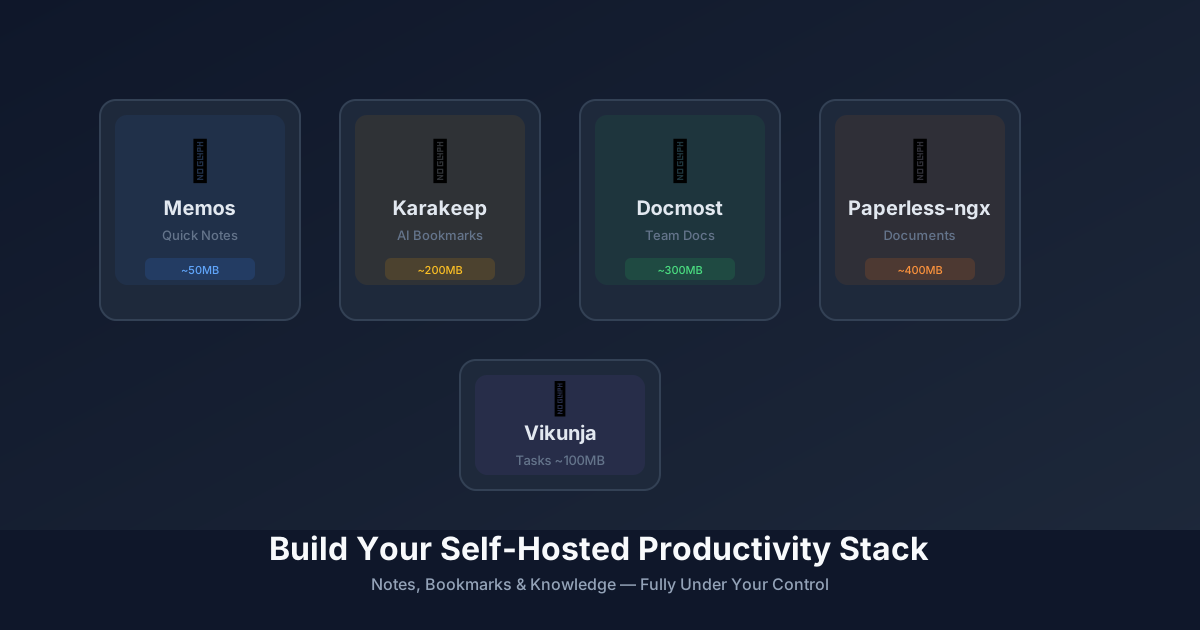
Build Your Self-Hosted Productivity Stack: Notes, Bookmarks & Knowledge
Replace Notion, Evernote, and Pocket with these 5 open-source tools. Your notes, bookmarks, and knowledge — fully under your control.
Your thoughts, notes, and bookmarks are some of your most valuable data. Yet most of us hand them over to Notion, Evernote, or Pocket without a second thought. What if you kept them?
Here’s a complete self-hosted productivity stack — 5 tools that replace the most popular note-taking and knowledge management apps.
📝 1. Memos — Quick Notes & Daily Logs
The self-hosted alternative to Apple Notes, Google Keep, and Simplenote.
Memos is a lightweight, timeline-based note-taking tool built for quick capture. No folders, no complex organization — just write, tag, and find later.
- Why it works: Markdown-native, instant sync, mobile apps available
- Best for: Quick thoughts, daily logs, meeting notes, code snippets
- Resource usage: ~50MB RAM, single binary deployment
- Database: SQLite (simple) or PostgreSQL (scale)
docker run -d \
  --name memos \
  -p 5230:5230 \
  -v ~/.memos/:/var/opt/memos \
  neosmemo/memos:latest
🔖 2. Karakeep (ex-Hoarder) — AI-Powered Bookmarks
The self-hosted alternative to Pocket, Raindrop, and Pinboard.
Karakeep automatically archives webpages, extracts content, and uses AI to tag and summarize. It’s like having a personal archivist.
- Why it’s special: AI auto-tagging, full-text search, PDF archiving
- Best for: Research, article saving, building a personal knowledge base
- Features: Browser extension, mobile apps, API access
- AI models: Works with OpenAI, Ollama, or any OpenAI-compatible API
📚 3. Docmost — Team Documentation
The self-hosted alternative to Notion and Confluence.
We covered Docmost in our trending tools roundup — it’s that good. Real-time collaborative editing, permissions, and a clean UI that doesn’t overwhelm.
- Why teams love it: Real-time sync, comments, page history
- Best for: Team wikis, documentation, project specs
- Migration: Import from Notion, Confluence, or Markdown
🗂️ 4. Paperless-ngx — Document Management
The self-hosted alternative to Evernote and Google Drive’s document features.
Scan, OCR, and organize all your documents. Paperless-ngx automatically extracts text from PDFs and images, making everything searchable.
- Why it matters: GDPR-compliant, no cloud scanning services
- Best for: Bills, receipts, contracts, medical records
- Features: Email ingestion, automatic tagging, multi-user support
- OCR: Supports 100+ languages
✅ 5. Vikunja — Task Management
The self-hosted alternative to Todoist, Trello, and Asana (lightweight).
Vikunja is a todo app that doesn’t try to be a project management suite. Lists, due dates, labels, and calendars — nothing more, nothing less.
- Why it’s refreshing: No bloat, fast, works offline
- Best for: Personal tasks, shopping lists, simple project tracking
- Sync: Web, mobile apps, CalDAV support
- Self-hosted: Single binary or Docker, PostgreSQL/MySQL/SQLite
🔧 The Complete Stack
| Tool | Replaces | Best For | RAM Usage |
|---|---|---|---|
| Memos | Apple Notes, Keep | Quick notes | ~50MB |
| Karakeep | Pocket, Raindrop | Bookmarks & research | ~200MB |
| Docmost | Notion, Confluence | Team docs | ~300MB |
| Paperless-ngx | Evernote | Document archive | ~400MB |
| Vikunja | Todoist | Task management | ~100MB |
Total footprint: ~1GB RAM for a complete productivity suite.
🚀 Deployment Strategy
Option A: Single VPS (Beginner)
One server, everything in Docker Compose:
version: '3'
services:
  memos:
    image: neosmemo/memos:latest
    volumes:
      - ./memos:/var/opt/memos
    ports:
      - "5230:5230"

  karakeep:
    image: ghcr.io/karakeep/karakeep:latest
    # ... env vars for AI API
    ports:
      - "3000:3000"

  # ... other services
Option B: Separate by Function (Advanced)
- Personal notes (Memos): Raspberry Pi at home
- Team docs (Docmost): VPS with backups
- Bookmarks (Karakeep): Same VPS as docs
- Documents (Paperless): Home server (sensitive data)
- Tasks (Vikunja): Anywhere, syncs everywhere
💡 Why Self-Host Your Knowledge?
- Longevity: Your notes outlive any SaaS company
- Privacy: No AI training on your thoughts
- Customization: Modify, extend, integrate
- Cost: $5-10/month VPS vs $50-100/month SaaS subscriptions
- Ownership: Export anytime, migrate anywhere
🎯 Start With One
Don’t try to migrate everything at once. Pick the tool that solves your biggest pain:
- Notes scattered across 5 apps? → Memos
- 500+ unread Pocket articles? → Karakeep
- Team docs in 3 different places? → Docmost
- Filing cabinet overflowing? → Paperless-ngx
- Todoist getting too complex? → Vikunja
Build your stack one tool at a time.
What’s your current note-taking setup? Planning to self-host any of these?
Stay in the loop 📬
Get self-hosting tutorials, tool reviews, and infrastructure tips delivered to your inbox. No spam, unsubscribe anytime.
Join 0 self-hosters. Free forever.