Swap vs zram vs zswap: What Your Small VPS Needs
Compare disk swap, zram, and zswap for a small Linux VPS. Learn what each can fix, what it cannot, and how to check memory pressure before changing settings.
Your VPS works fine until two things happen at once: a photo library starts indexing, and a database needs more memory. Suddenly the question is not whether Linux uses too much RAM. It is which process gets to survive.
Swap, zram, and zswap can soften that collision, but they solve different problems. I would rather have a modest safety net than a server that kills its database during an occasional spike. I would also rather upgrade an undersized machine than pretend compression is a free RAM subscription.
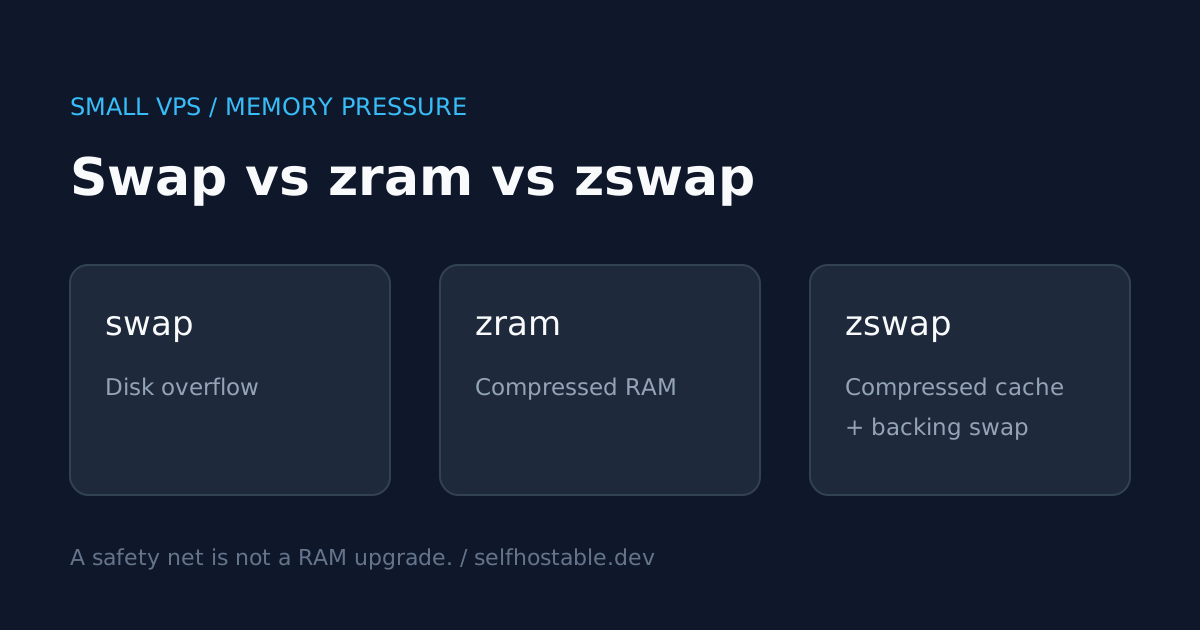
My short answer: disk swap is the simplest overflow buffer, zram trades CPU and some RAM for compressed swap capacity, and zswap adds a compressed cache in front of backing swap. Choose one deliberate design before combining them.
This is an architectural comparison, not a benchmark. There are no invented compression ratios or latency measurements here, and none of the inspection commands below changes your server’s configuration.
First, separate memory usage from memory pressure
A nearly full RAM graph is not automatically bad. Linux uses spare memory for caches, and some of that memory can be reclaimed when applications need it.
The useful question is whether reclaim is making your services wait, or whether the kernel is killing processes. Start with these read-only checks on the VPS host:
free -h
swapon --show
vmstat 1 10
Look at available in free, not just free. In vmstat, the first report summarizes activity since boot; the later reports are the interval samples you want when investigating a live slowdown.
The si and so columns show swap-in and swap-out activity. Sustained activity alongside sluggish requests is more interesting than a swap device that contains some cold pages but barely moves.
On kernels with Pressure Stall Information support, inspect memory stalls too:
cat /proc/pressure/memoryIf that path is missing, your kernel or environment may not expose PSI. When it exists, some reports periods when at least some tasks stall on memory; full tracks periods when all non-idle tasks are stalled together. Read these alongside application latency and workload timing, not as a universal pass/fail score.
A familiar failure pattern is an overnight maintenance window where backups, indexing, and updates overlap. It is tempting to call that a RAM problem immediately. Sometimes the better first fix is simply not starting every expensive job at the same minute.
Disk swap: the boring overflow buffer
Traditional swap stores evicted memory pages on a block device or in a suitable swap file. It does not compress those pages by itself. When a process needs a swapped-out page again, Linux has to retrieve it.
The upside is straightforward: inactive anonymous memory can leave RAM and occupy disk space instead. The downside is equally straightforward: storage is not RAM, and a busy VPS disk can make a slow situation much worse.
I like disk swap as protection against occasional pressure, provided there is monitoring and enough disk headroom. I do not like it as the normal home of an application’s active working set.
Choose it when: you want a simple fallback for intermittent spikes, your VM permits swap, and storage latency is acceptable for your workload.
Be careful when: the machine is already I/O-bound, the provider limits disk throughput, or a service has strict tail-latency requirements. A server that technically stays alive while every request times out is not a successful outcome.
Swap files also have filesystem-specific rules. Do not blindly copy a fallocate recipe onto every filesystem, particularly copy-on-write configurations; use your distribution’s instructions and verify that swapon actually accepts the result.
If your disk is nearly full, fix that before adding another persistent consumer. Our guide to Linux space and inode exhaustion explains why the headline free-space number is only part of the story.
zram: compressed swap that lives in RAM
zram provides compressed RAM-backed block devices. When one is configured as swap, pages sent to it are compressed and stored in memory rather than written to an ordinary disk swap area.
That sounds circular until you remember that a compressed cold page can occupy less RAM than its uncompressed form. The benefit depends on what those pages contain. Already compressed or otherwise incompressible data offers much less room for savings.
The advertised zram device size is logical capacity, not free physical memory. A large device does not hand you a matching amount of usable RAM, and the compressed pool consumes memory as it fills, with allocator and metadata overhead too.
Choose it when: disk I/O is the weak point, you have CPU capacity to spend on compression, and the workload has cold, compressible memory.
Be careful when: CPU is already saturated or you expect zram alone to absorb a working set that consistently exceeds physical RAM. You can still reach an out-of-memory situation.
If zram is already configured, inspect it rather than guessing:
zramctlThis command comes from util-linux and may not be installed in a minimal image. Compare the original data size, compressed data size, and total memory consumption in its output; the exact columns depend on the utility version.
The kernel also exports device statistics under /sys/block/zram0/ when that device exists. In particular, mm_stat distinguishes original data, compressed data, and total allocated memory. That last figure matters: compression payload size is not the whole bill.
zswap: a compressed cache before backing swap
zswap is not another swap device. It intercepts pages being swapped out and tries to keep them in a compressed RAM pool, reducing traffic to the backing swap device.
When pages cannot be retained in that cache, backing swap provides the next destination under the applicable kernel policies. Unlike a basic zram-only setup, this design has a disk-backed overflow path built around the cache.
You still need active backing swap for zswap to serve this purpose. Turning on a zswap parameter without a usable swap area is not a replacement for configuring swap.
Choose it when: you already want disk-backed swap but would like to reduce swap I/O for compressible pages.
Be careful when: you assume the cache eliminates disk latency altogether. Cache misses, evictions, and incompressible pages mean storage behavior still matters.
On systems exposing the module parameters, check the current state:
if test -r /sys/module/zswap/parameters/enabled; then
  cat /sys/module/zswap/parameters/enabled
fi
swapon --show
Defaults vary by distribution and kernel build. Do not assume zswap is disabled just because you never configured it, or enabled just because another distribution enables it.
A subtle operational detail from the kernel documentation: disabling zswap at runtime stops new pages entering the cache, but does not immediately empty existing cached pages. That makes a before/after experiment less clean than flipping a switch and taking one screenshot.
Which one would I choose for a small VPS?
For a general-purpose VM with occasional spikes and reasonably responsive storage, I would start with a modest disk-backed safety net. If zswap is already enabled and supported by the distribution, I would understand that configuration before replacing it.
For a machine where disk stalls are the dominant pain and CPU has headroom, I would evaluate zram. I would measure real service latency during indexing or maintenance, not just celebrate a better-looking RAM graph.
For a VM whose workload remains too large all day, I would choose a larger plan or move a heavy service elsewhere. There is a point where tuning the memory subsystem becomes an expensive way to avoid admitting the machine is too small.
Here is the practical comparison:
| Question | Disk swap | zram as swap | zswap with backing swap |
|---|---|---|---|
| Where do evicted pages live? | Storage | Compressed in RAM | Compressed cache, then backing swap as needed |
| Needs a disk swap area? | Yes | Not for a basic RAM-only setup | Yes |
| Spends CPU on compression? | Not inherently | Yes | Yes |
| Main attraction | Simple overflow capacity | Avoid ordinary swap disk I/O | Reduce backing swap I/O |
| Main limitation | Storage latency | Consumes RAM and CPU | Still depends on backing storage |
These are basic configurations, not every possible kernel feature. For example, zram supports optional writeback on suitable configurations; that does not mean an ordinary zram swap device automatically spills to your existing swap file.
Do not stack features before you can explain them
Putting zswap in front of a zram swap device can introduce redundant compression work and obscure which layer is helping. I would not make that my default on a small server.
Using higher-priority zram alongside lower-priority disk swap is a different design. Swap priorities influence where new allocations go; they do not create a simple automatic migration pipeline that moves every cold zram page into the disk swap area.
If you choose that combination, document both devices, their priorities, and the behavior you expect under pressure. Otherwise, your recovery procedure becomes a guessing game precisely when the server is least responsive.
Also check the virtualization boundary. A full VM usually gives you more control over the guest kernel than a container-based VPS. Access to kernel modules and host memory policy may be restricted in container environments, even if you have root inside the container.
Docker limits still matter
Host swap is not permission for every container to consume unlimited memory. A container can hit its own memory limit while the host still has room, and container swap settings impose additional constraints.
Start with Docker Compose resource limits before treating host tuning as the complete answer. Inspect the affected service and check for out-of-memory termination rather than assuming every restart is the same failure.
docker stats --no-stream
docker inspect --format '{{.State.OOMKilled}}' your-container
Replace your-container with the actual name. The inspection checks recorded container state; correlate it with logs and restart timing, especially if a supervisor has already recreated the container.
A memory leak will eventually consume whatever room you add. Compression may delay that moment without fixing the application.
Keep the safety net from becoming a security blind spot
Disk-backed swap can contain sensitive process data. If that matters to your threat model, review how the guest’s swap storage is encrypted and how its keys are handled; provider disk encryption and guest-managed encryption are different trust boundaries.
A commercial VPN does not encrypt a swap file, fix memory exhaustion, or replace private administrative access. Its relevant use here is protecting the network path from an administrator’s device on an untrusted connection, not changing the server’s memory behavior.
🚀NordVPN
An optional VPN for your admin device on untrusted networks, not a fix for server memory pressure.
Affiliate link — we may earn a commission at no extra cost to you.
If you need access to private services, choose an access design deliberately. Our Tailscale homelab access guide covers a different problem from a commercial VPN’s internet egress service.
Make one change, then watch the next busy window
Before changing anything, save the output of free, swapon, and a short vmstat sample during the actual slowdown. Note which job was running and how the application behaved.
Then change one layer using your distribution’s supported configuration mechanism. Check persistence after a planned reboot, and repeat the same workload before deciding whether the change helped.
Do not run swapoff -a on a struggling production box just to get a clean chart. Bringing swapped pages back into RAM requires headroom and can make an already tight situation worse.
Your next step: identify whether your server is short of RAM, blocked on disk, or losing a single container to its own limit. Pick the safety net that addresses that failure, and keep a larger VPS on the list of perfectly respectable solutions.
Stay in the loop 📬
Get self-hosting tutorials, tool reviews, and infrastructure tips delivered to your inbox. No spam, unsubscribe anytime.
Join 0 self-hosters. Free forever.