My VPS Backup Strategy: The Boring Setup That Actually Saves You
A practical VPS backup plan for self-hosters: snapshots, restic, offsite copies, restore drills, and the mistakes I learned the annoying way.
I used to treat VPS backups like flossing. I knew I should do it, I made confident noises about it, and then I quietly hoped nothing terrible would happen.
Then I deleted the wrong Docker volume during a late-night cleanup.
Not a production cluster. Not a dramatic enterprise incident. Just my small VPS running a few personal apps: Forgejo, Uptime Kuma, a little Postgres database, and some files I absolutely did not want to recreate. The embarrassing part is that I had provider snapshots enabled, so I thought I was safe.
I was only half safe.
Snapshots got the server back, but they were older than I expected, tied to the same provider, and useless for grabbing one clean database dump without rolling back the whole machine. That day changed how I do backups.
Here’s the boring setup I use now.
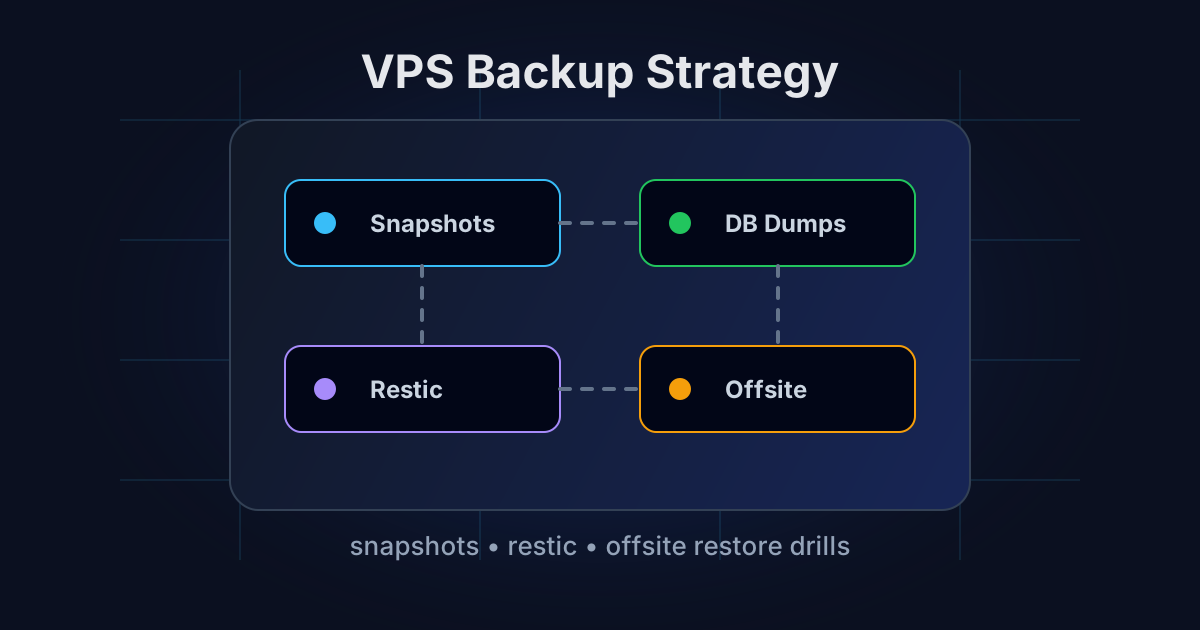
TL;DR: use three layers
For a self-hosted VPS, I want three different kinds of backups:
- Provider snapshots for fast whole-server rollback.
- App-aware backups for databases, uploads, and config files.
- Offsite encrypted backups somewhere that is not the VPS provider.
Honestly, if you only do one thing after reading this, set up encrypted offsite backups with restic. Snapshots are nice. They are not a backup strategy by themselves.
What snapshots are good for
Provider snapshots are fantastic when you break the operating system.
Bad kernel upgrade? Firewall rule locked you out? Docker upgrade made your stack weird? A snapshot can put the entire VPS back to a known state in minutes. That is exactly what snapshots are good at.
I keep automatic daily snapshots on any VPS that runs more than toy projects. Most providers charge a small percentage of the server price for this. I do not love paying more, but I love rebuilding less.
The catch: snapshots are usually stored by the same company hosting the server. If your account gets closed, the provider has an outage, or you accidentally delete the server and its snapshots, you’re stuck.
Also, snapshots are blunt tools. Restoring the whole machine because one SQLite file got corrupted feels like using a chainsaw to open a bag of chips.
What actually needs backing up
Most people back up too much and too little at the same time.
You probably do not need to back up Docker images. You can pull them again. You probably do not need /tmp, package caches, or random build artifacts.
You absolutely need:
- Docker Compose files
.envfiles and app secrets- Reverse proxy config
- Uploaded user files
- Database dumps
- Important app data volumes
- SSH config and firewall notes
- A small README explaining how to restore everything
That last one sounds silly until you’re stressed and trying to remember whether the Postgres container was called db, postgres, or please-work-final-v2.
I keep my Compose files in /opt/stacks, one directory per app. That makes backups much easier because the important stuff is not scattered across the filesystem like confetti.
My restic setup
I use restic because it is fast, encrypted by default, deduplicates well, and has saved me enough times that I trust it. Borg is great too. Pick one and actually use it.
Install it:
sudo apt update
sudo apt install restic
Create a password file readable only by root:
sudo mkdir -p /root/.config/restic
sudo nano /root/.config/restic/password
sudo chmod 600 /root/.config/restic/password
Then initialize a repo. This example uses S3-compatible storage, but the same idea works with Backblaze B2, Wasabi, MinIO, or even another VPS over SFTP.
export RESTIC_REPOSITORY="s3:https://s3.example.com/vps-backups/main"
export RESTIC_PASSWORD_FILE="/root/.config/restic/password"
export AWS_ACCESS_KEY_ID="your-access-key"
export AWS_SECRET_ACCESS_KEY="your-secret-key"

restic init
I prefer object storage for this because it is boring and separate from the VPS. A second VPS works too, but then you need to secure that server as well. Congratulations, you made backup infrastructure. It never ends.
Dump databases before backing up
This is the step people skip.
Backing up raw database files while the database is running can work until it very much does not. I want proper dumps. They are portable, easy to inspect, and much nicer during restore.
For Postgres containers, I usually create a tiny script like this:
#!/usr/bin/env bash
set -euo pipefail

BACKUP_DIR="/opt/backups/db-dumps"
mkdir -p "$BACKUP_DIR"

cd /opt/stacks/forgejo

docker compose exec -T postgres pg_dump \
  -U forgejo forgejo \
  | gzip > "$BACKUP_DIR/forgejo-$(date +%F).sql.gz"
For MariaDB or MySQL, same concept:
docker compose exec -T mariadb mysqldump \
  -u root -p"$MYSQL_ROOT_PASSWORD" appdb \
  | gzip > /opt/backups/db-dumps/appdb-$(date +%F).sql.gz
Yes, storing passwords in scripts is ugly. Put them in root-only env files or load them from your existing stack secrets. The goal is not purity. The goal is a backup that runs at 3 AM without asking you questions.
The backup script
My actual backup script is intentionally boring:
#!/usr/bin/env bash
set -euo pipefail

export RESTIC_REPOSITORY="s3:https://s3.example.com/vps-backups/main"
export RESTIC_PASSWORD_FILE="/root/.config/restic/password"
export AWS_ACCESS_KEY_ID="your-access-key"
export AWS_SECRET_ACCESS_KEY="your-secret-key"

/opt/backups/scripts/dump-databases.sh

restic backup \
  /opt/stacks \
  /opt/backups/db-dumps \
  /etc/caddy \
  /etc/ssh/sshd_config \
  --exclude "node_modules" \
  --exclude "*/cache/*"

restic forget \
  --keep-daily 7 \
  --keep-weekly 4 \
  --keep-monthly 6 \
  --prune

restic check
I run it with a systemd timer. Cron works fine too, but systemd timers make logs easier to inspect.
sudo systemctl status vps-backup.timer
journalctl -u vps-backup.service -n 100 --no-pager
The important bit is not the scheduler. The important bit is that failures are visible. A silent backup failure is just data loss with extra steps.
Add one more copy if the data matters
For apps I really care about, I keep a second destination. Usually:
- Primary backup: S3-compatible object storage
- Secondary backup: a cheap storage VPS or NAS at home
This is not because I enjoy paying for storage twice. I do it because every backup target has weird failure modes.
Object storage can have billing issues. A home NAS can be offline. A storage VPS can have disk problems. Two imperfect copies beat one perfect-looking copy.
If the VPS hosts anything public, I also avoid exposing admin panels directly. Use SSH tunnels, Tailscale, WireGuard, or at least IP allowlists. A backup strategy is less useful if your server gets popped and the attacker deletes every local backup before you notice.
🚀NordVPN
Secure your server with a reliable VPN.
Affiliate link — we may earn a commission at no extra cost to you.
A commercial VPN is not a magic shield for your VPS, and I hate when people sell it that way. But for admin work on sketchy Wi-Fi, or for keeping your management traffic away from random networks, it is a useful extra layer. I still prefer private tunnels for server access, but NordVPN fits the travel-and-admin niche nicely.
Test restores or admit you do not have backups
This is the annoying truth: a backup you have never restored is a wish.
Once a month, I restore something small:
restic snapshots
restic restore latest --target /tmp/restore-test
Then I check that the files make sense:
ls /tmp/restore-test/opt/stacks
zcat /tmp/restore-test/opt/backups/db-dumps/forgejo-2026-06-17.sql.gz | head
For databases, I occasionally restore into a temporary container. Not every week. I am not that virtuous. But often enough that I know the process works.
The first time I practiced a full restore, I found out one of my scripts was dumping an empty database because the container name had changed months earlier. The backup job was green. The data was not there. Beautiful little nightmare.
My simple restore checklist
When a VPS dies, I want a checklist, not vibes.
Mine looks like this:
- Create a fresh Debian VPS.
- Install Docker and Caddy.
- Install
restic. - Restore
/opt/stacksand database dumps. - Recreate
.envfiles if any were stored separately. - Start databases first.
- Import dumps.
- Start apps.
- Point DNS to the new server.
- Check logs, login flows, uploads, and background jobs.
I keep this in /opt/stacks/README-restore.md and back it up with everything else. Future me is forgetful and slightly panicked. I write docs for that guy.
What I would not bother with
I would not build a Kubernetes-grade backup platform for a $6 VPS. If your setup is three Compose stacks and a reverse proxy, do not spend two weekends designing a disaster recovery architecture worthy of a bank.
Also, I would not rely on a control panel backup button unless I know exactly what it exports. Some panels back up app config but not volumes. Some back up volumes but not external databases. Some produce archives that are painful to restore outside the panel.
Simple scripts are boring, but boring is a feature.
The setup I recommend
If you’re starting from zero, do this:
- Enable daily provider snapshots.
- Put all Compose projects under
/opt/stacks. - Dump databases to
/opt/backups/db-dumpsbefore each backup. - Use
resticto push encrypted backups offsite every night. - Keep 7 daily, 4 weekly, and 6 monthly backups.
- Test one restore every month.
That is enough for most self-hosters. Not perfect. Not enterprise. But miles better than hoping your VPS provider, your own memory, and your late-night shell commands never betray you.
They will. Plan accordingly.
Stay in the loop 📬
Get self-hosting tutorials, tool reviews, and infrastructure tips delivered to your inbox. No spam, unsubscribe anytime.
Join 0 self-hosters. Free forever.