Docker Socket Proxy: Stop Giving Containers Root Access
Use a Docker socket proxy to give Traefik and monitoring tools the API access they need without handing every container control of your host.
A read-only Docker socket mount looks responsible. It is not.
I used to add :ro to /var/run/docker.sock and call the job done. Then I learned the awkward detail: Docker’s API is a control plane, not a regular file. A container that can talk to that socket can often create a new privileged container, mount the host filesystem, and turn its supposedly read-only socket access into host-level control.
That is why I now treat a Docker socket mount like an SSH key with no passphrase: only give it to something that has earned it, and make its permissions boringly narrow.
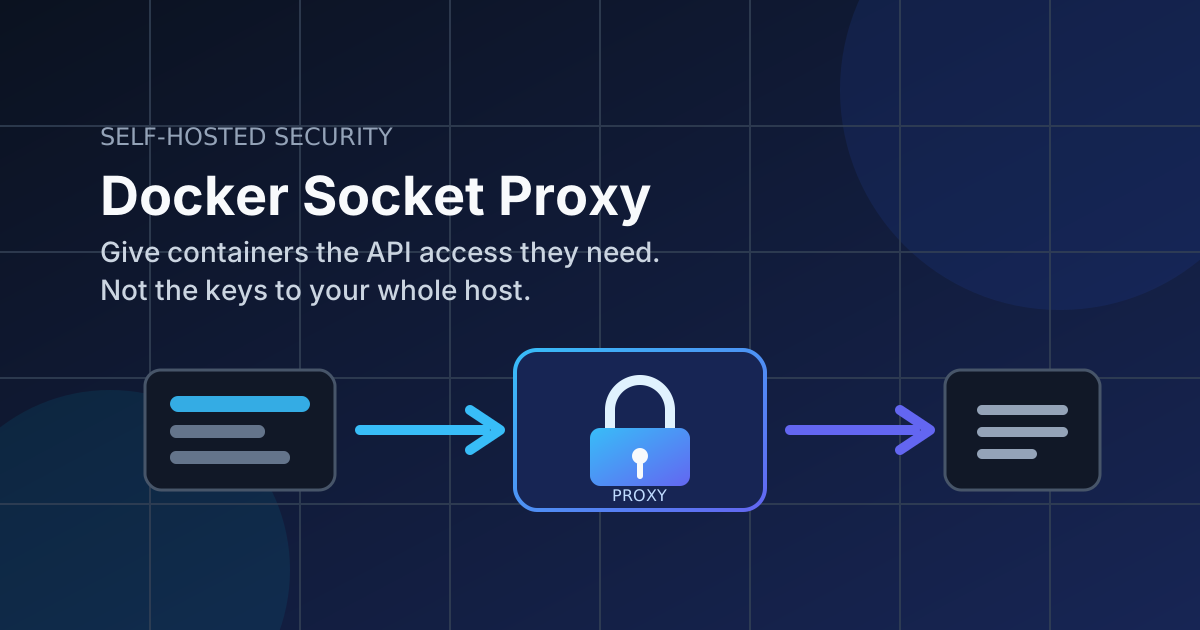
A socket proxy is the practical middle ground. It sits between an app and Docker, exposes only selected API routes, and keeps the real Unix socket inside one small container.
The short version
If Traefik, Dozzle, Homepage, or a monitoring tool needs Docker metadata, point it at a socket proxy instead of mounting /var/run/docker.sock into the app.
The proxy still needs the real socket. Nothing magical happened. But the app gets a constrained HTTP API rather than unrestricted daemon access, which is a much better blast radius when an image has a bad day.
This is not a substitute for image updates, network isolation, or backups. It is a cheap layer that makes an extremely common mistake less catastrophic.
Who actually needs Docker API access?
Most containers do not. A database does not need it. Neither does a blog, an RSS reader, or your PDF tool.
The usual candidates are tools that discover containers or manage their lifecycle:
- reverse proxies such as Traefik
- log viewers such as Dozzle
- dashboards that display running containers
- update automation such as Watchtower
- management interfaces such as Portainer
These are not all equal. A dashboard may only need to list containers. Watchtower needs to pull images and restart containers. Portainer is deliberately a management plane, so trying to make it harmless with a proxy can be misleading.
My rule is simple: proxy read-only discovery tools, and put genuine management tools behind a private access layer. Do not use a proxy as permission to expose Portainer to the internet.
For the broader network design, start with separate Docker networks. A socket proxy limits API calls; it does not stop a compromised app from attacking every database on its network.
The stack I use
The Tecnativa Docker Socket Proxy is the familiar option for this job. It is a small HAProxy-based image that enables Docker API sections with environment variables. Denied sections return an error instead of quietly working, which is exactly what we want.
Here is a Compose file that gives a Traefik-style service container discovery access. The proxy is deliberately not published on a host port.
services:
  docker-socket-proxy:
    image: tecnativa/docker-socket-proxy:0.3.0
    container_name: docker-socket-proxy
    restart: unless-stopped
    environment:
      CONTAINERS: 1
      NETWORKS: 1
      SERVICES: 1
      TASKS: 1
      POST: 0
      AUTH: 0
      SECRETS: 0
      SWARM: 0
      SYSTEM: 0
      VOLUMES: 0
    volumes:
      - /var/run/docker.sock:/var/run/docker.sock:ro
    networks:
      - socket-proxy
    read_only: true
    tmpfs:
      - /run

  traefik:
    image: traefik:v3.1
    container_name: traefik
    restart: unless-stopped
    command:
      - --providers.docker=true
      - --providers.docker.endpoint=tcp://docker-socket-proxy:2375
      - --providers.docker.exposedbydefault=false
    ports:
      - "80:80"
      - "443:443"
    networks:
      - socket-proxy
      - traefik-public
    # No Docker socket mount here.

networks:
  socket-proxy:
    internal: true
  traefik-public:
    external: true
Use a pinned image version, then review and deliberately update it. latest is convenient right until it pulls a breaking change during the one hour you are away from home.
The proxy listens on port 2375 only inside the socket-proxy network. No ports: entry means it is not directly reachable from your LAN or the public internet. Keep it that way. Port 2375 is Docker’s unauthenticated TCP API, and publishing it would turn a security control into a very fast way to lose a server.
Give every client its own proxy when permissions differ
The first version of this setup usually has one proxy and three clients. That is convenient, but it has a catch: every client on that network inherits the same API allowance.
I prefer one proxy per permission profile. Traefik gets container and network discovery. A read-only dashboard gets the smallest documented set it can use. An updater gets its own proxy with the write methods it genuinely requires.
Yes, that means another 15 lines of Compose. It also means a vulnerable log viewer does not receive the same access as the component that rotates containers. This is one of those places where a little duplication is safer than a clever shared abstraction.
For example, a log viewer that only needs container information can use a second proxy:
  dozzle-socket-proxy:
    image: tecnativa/docker-socket-proxy:0.3.0
    restart: unless-stopped
    environment:
      CONTAINERS: 1
      POST: 0
      AUTH: 0
      NETWORKS: 0
      SERVICES: 0
      TASKS: 0
      VOLUMES: 0
    volumes:
      - /var/run/docker.sock:/var/run/docker.sock:ro
    networks:
      - dozzle-socket
    read_only: true
    tmpfs:
      - /run

  dozzle:
    image: amir20/dozzle:v8.12.0
    restart: unless-stopped
    environment:
      DOZZLE_REMOTE_AGENT: tcp://dozzle-socket-proxy:2375
    networks:
      - dozzle-socket
Check each application’s own Docker integration documentation before copying permission flags. API needs change between releases, and enabling random sections until the errors disappear defeats the entire point.
Test it before changing your real proxy
Bring up the socket proxy first:
docker compose up -d docker-socket-proxy
docker compose logs --tail=50 docker-socket-proxy
Then bring up the client and inspect its logs:
docker compose up -d traefik
docker compose logs --tail=100 traefik
Traefik should discover only containers that have its explicit enable label. If it reports an API permission error, add only the documented API section it needs, recreate the proxy, and test again.
docker compose up -d --force-recreate docker-socket-proxyDo not set every variable to 1 because troubleshooting is annoying. I have done that after a late-night deploy. It makes the proxy functionally pointless, and future me has no clue which permissions are actually required.
The mistakes that undo this work
A socket proxy is easy to deploy badly. These are the failures I check for every time:
- the client still has
/var/run/docker.sockmounted directly - port
2375is published withports: - every Docker API section is enabled
- management tools share the same proxy as read-only tools
- the proxy and random application containers share a broad network
- the Docker image is unpinned and never reviewed
Run this after deployment to catch the first mistake:
docker inspect traefik --format '{{range .Mounts}}{{println .Source "->" .Destination}}{{end}}'You should not see /var/run/docker.sock in the output for Traefik or the other client. It should appear only on the proxy container.
Also inspect the published ports:
docker ps --format 'table {{.Names}}\t{{.Ports}}'The socket proxy should show no host port. If you can browse to it, stop and fix the Compose file before doing anything else.
Remote access is still a separate problem
A socket proxy protects the local Docker API relationship. It does not encrypt your café Wi-Fi, secure SSH, or protect an admin UI that you have put on a public subdomain.
When I administer a VPS away from my own network, I still use a VPN and MFA where the service supports it. The socket proxy reduces what one compromised container can do; a VPN reduces who can reach the management surface in the first place.
🚀NordVPN
Secure your server with a reliable VPN.
Affiliate link — we may earn a commission at no extra cost to you.
Is a socket proxy worth the extra container?
For a one-container test box, probably not. The simpler move is to avoid tools that need the Docker socket at all.
For a server with a reverse proxy, monitoring, logs, and a handful of apps, yes. The extra container has almost no operational cost, and it forces a useful question: what Docker permission does this tool actually need?
Start with the container that reads Docker metadata but does not need to control Docker. Remove its direct socket mount, put a narrowly configured proxy in front of it, and make sure the proxy has no published port. That is a boring 30-minute improvement with a much better failure mode.
FAQ
Does :ro make the Docker socket safe?
No. The socket is an API endpoint. Read-only filesystem mounting does not reliably mean read-only Docker API capability. Use a proxy with explicitly restricted API sections instead.
Can I use a socket proxy with Portainer?
You can, but Portainer is designed to manage Docker and may need broad permissions. Keep it private, use strong authentication, and do not mistake a broad proxy policy for a meaningful boundary.
Should I run the socket proxy on a public network?
No. Use an internal Docker network and do not publish its port. Only containers that need the proxy should be connected to that network.
What should I do next?
Audit your Compose files for /var/run/docker.sock. Start with one read-only consumer, replace its direct mount with a narrow proxy, and verify the app still works before moving to the next one.
Stay in the loop 📬
Get self-hosting tutorials, tool reviews, and infrastructure tips delivered to your inbox. No spam, unsubscribe anytime.
Join 0 self-hosters. Free forever.