Linux timeout: Put a Deadline on Scheduled Jobs
Use GNU timeout to limit Linux scheduled jobs, handle exit codes correctly, and escalate stuck processes without confusing a stopped task with a successful one.
A scheduled export starts on time, then sits there waiting for a network connection that never recovers. Tomorrow’s run arrives while yesterday’s process is still alive. Linux timeout gives a foreground command a deadline, so your schedule does not quietly become a collection of unfinished work.
I prefer a failed job with a clear exit code to an indefinitely running job that nobody understands. But a deadline is not a recovery plan: stopping a backup does not make it complete, and killing a database operation does not undo its writes.
The short version: use GNU timeout for a bounded foreground task, allow a grace period before forced termination, and report expiration as failure. Start with a harmless test, not your only backup.
First, check which timeout you have
This tutorial targets GNU coreutils on Linux. BusyBox and other implementations can differ, so check the actual binary before copying options:
command -v timeout
timeout --version
On Debian or Ubuntu, the command is supplied by the coreutils package. If your job runs inside a container, check inside that container too. The host having GNU tools tells you nothing about a minimal application image.
A duration accepts suffixes such as s for seconds, m for minutes, and h for hours. I would write the suffix explicitly rather than make the next person remember the default unit.
Give one foreground command a deadline
Here is a safe demonstration:
timeout --verbose --kill-after=2s 1s sleep 30
printf 'Exit status: %s\n' "$?"
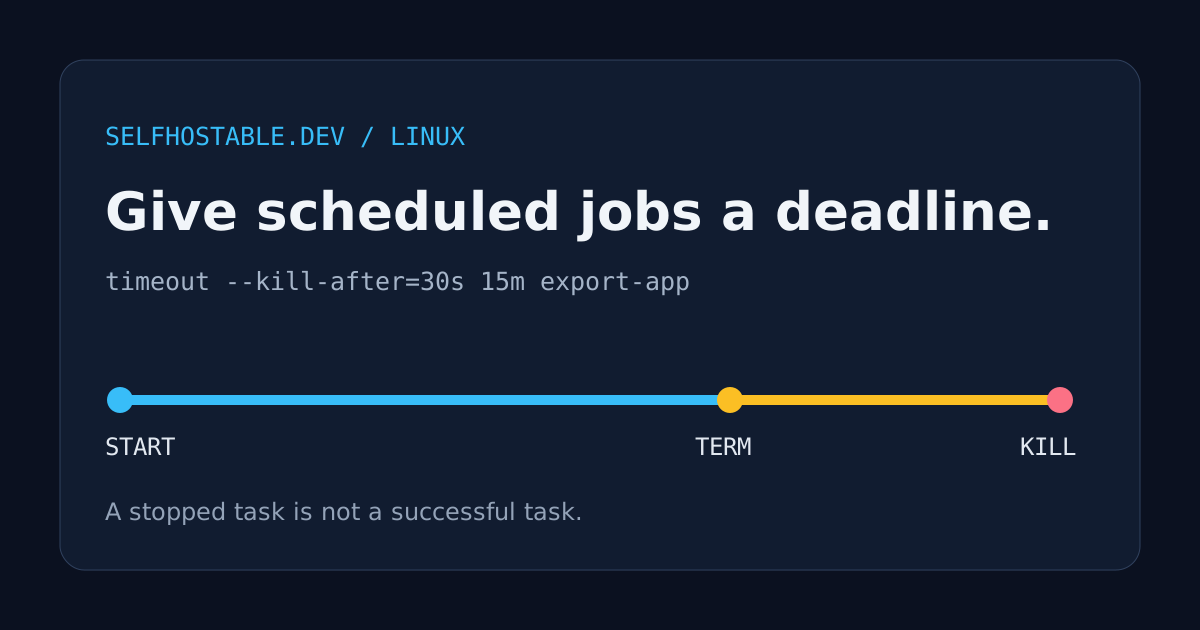
After one second, timeout sends the default termination signal, TERM. Since sleep normally responds to it, you should see status 124. The two-second --kill-after period is counted from that initial signal, not from the original start.
If the command ignores TERM, GNU timeout can send KILL when that grace period expires. That makes the approximate outer limit three seconds in this example, subject to scheduling and kernel behavior. It is not a hard real-time guarantee.
TERM gives software a chance to stop cleanly. KILL does not. Choose the initial deadline from the task’s normal duration and the grace period from its shutdown requirements, not from whichever numbers look tidy in a crontab.
Keep success, failure, and expiration separate
By default, a command that finishes before its deadline keeps its own exit status. A timed-out invocation normally returns 124; forced killing can produce 137 as observed by a shell. GNU also documents 125 for failure of timeout itself, 126 when the command cannot be invoked, and 127 when it cannot be found.
Those numbers need context. An application can itself return 124 or 137, and 137 alone does not prove that this particular deadline caused the kill. Keep stderr and timestamps, and consult the GNU timeout manual when interpreting an incident.
During preparation, we exercised GNU coreutils 9.4 locally with harmless commands. Successful completion returned 0, an explicit command failure returned 7, expiration returned 124, and a TERM-ignoring test produced shell status 137 after escalation. These are tests of process control, not a claim that a real backup or export was validated.
One testing detail matters: Python’s subprocess API reports a directly killed process with a negative signal number, so the same forced kill appeared as -9 there. We repeated the test through Bash to verify the shell-facing 137 used in this tutorial.
Handle the result without swallowing failures
For a real task, replace the example script path below with your own existing, foreground export command. This wrapper assumes Bash and that timeout resolves to the GNU implementation you checked above:
#!/bin/bash
set -u

if timeout --verbose --kill-after=30s 15m /home/backup/bin/export-app; then
  printf 'Export completed successfully.\n'
else
  rc=$?
  case "$rc" in
    124) printf 'Export exceeded its deadline.\n' >&2 ;;
    137) printf 'Export was killed; investigate timeout and system logs.\n' >&2 ;;
    *) printf 'Export failed with status %s.\n' "$rc" >&2 ;;
  esac
  exit "$rc"
fi
The if captures the command’s status without relying on set -e. Avoid if ! timeout ...; then rc=$?: the negation changes the status you are trying to preserve. Also avoid appending || true unless turning every failure into success is genuinely your intention.
For cron, install the wrapper somewhere stable and use its absolute path in the appropriate account’s crontab:
17 2 * * * /home/backup/bin/export-with-deadlineMake it executable, confirm its interpreter exists, and use absolute executable paths inside the wrapper if cron’s PATH is restricted. Keep errors connected to a working notification mechanism. Cron mail is not a delivery service unless someone configured mail delivery.
A deadline is not a lock
A 15-minute timeout does not prevent a second invocation from starting five minutes after the first. For that, use a separate concurrency guard such as the one in our flock tutorial.
The two controls answer different questions: a lock asks whether another cooperating job is active, while a timeout asks how long this invocation may run. Put both in a deliberately designed entry point rather than scattering slightly different wrappers across manual commands and cron entries.
If you already run the task as a systemd oneshot service, consider the service manager’s own start timeout instead of stacking supervisors without a reason. Our systemd timer guide covers scheduling; review the unit type and timeout settings separately because a timer is not itself a runtime budget.
Do not assume every child will disappear
By default, GNU timeout manages a process group, which helps it signal ordinary child processes as well as the main command. A program that daemonizes, creates a new session, or delegates work to another service can escape that model.
The --foreground option changes this behavior and does not time out child processes in the same way. It is useful for specific interactive cases, not an upgrade to a background-job wrapper. For a service with complex child lifetimes, a supervisor managing a cgroup is usually a better fit.
There is another easy trap: timing out a Docker CLI command is not the same as stopping the workload inside a container. Killing the local client does not guarantee the remote or containerized task stops. Use the application’s own cancellation controls or an appropriate container lifecycle policy.
Plan for partial output before adding the kill switch
An interrupted export may leave a truncated file. An interrupted upload may leave remote multipart state, depending on the tool. A database operation may already have committed changes before the client is stopped.
Write disposable output to a staging location and only publish it after the export succeeds and passes appropriate checks. A same-filesystem rename can make the final pathname switch atomic, but it does not validate the file’s contents or make a multi-step database workflow transactional.
Our backup guide explains why successful execution and restorable data are different acceptance criteria. A timeout belongs in that operational design, not in place of it.
A VPN does not fix stuck processes or make interrupted output consistent. If you separately want an outbound privacy service for an administrative device, this optional affiliate offer is unrelated to the timeout mechanism:
🚀NordVPN
Optional outbound privacy for your administrative device, not a requirement for Linux job deadlines.
Affiliate link — we may earn a commission at no extra cost to you.
Try it on the boring job first
Pick one noncritical export with a known normal duration. Run the harmless sleep demonstration, add a generous deadline to the real foreground command, and verify that your monitoring distinguishes success from expiration.
I would then deliberately test the recovery procedure with disposable data. The useful outcome is not merely a process that stops on time. It is a job that stops predictably, reports honestly, and can run again without turning yesterday’s partial output into today’s disaster.
Stay in the loop 📬
Get self-hosting tutorials, tool reviews, and infrastructure tips delivered to your inbox. No spam, unsubscribe anytime.
Join 0 self-hosters. Free forever.